
Buy an Old MacBook
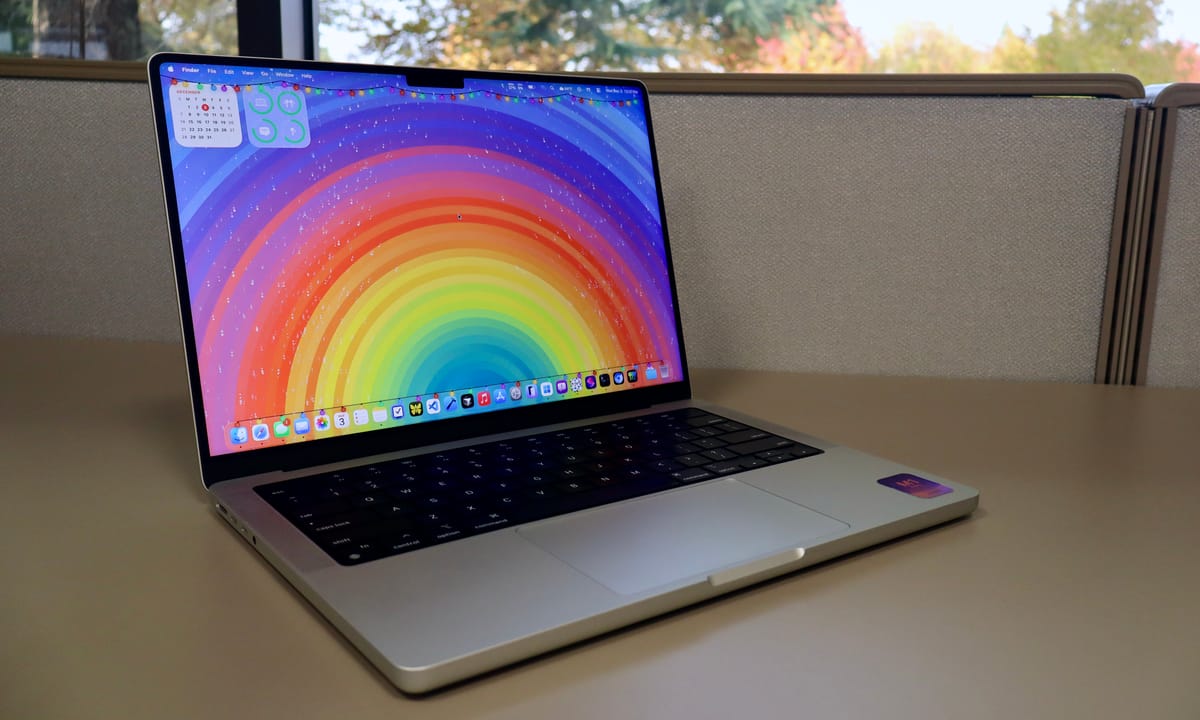
Apple Silicon has truly made old MacBooks a steal.
This is a bit of a surprise post, to be honest. After writing about (and defending) the iPad Pro for the past year—or longer—and arguing that you don’t truly need a Mac to get things done, I have bought a used MacBook Pro of my own.
You can call me a hypocrite if you want. I pretty much explained my argument for why I wanted to buy a laptop in my previous post about the Lenovo X1 Carbon running Linux. That post, titled My New‑Old Laptop, I said:
There are a couple of reasons why I ended up picking up a laptop. One, I’ll admit, is because my iPad couldn’t do certain things I needed. I have a jail‑broken Kindle Voyage and an iPod with Rockbox installed, and both of these need either Windows, macOS, or Linux to troubleshoot or configure. I also have a Pixel 9a that I was using for a while, and to put GrapheneOS on it and mess with settings using ADB, I needed one of those operating systems.
Then continued:
So this is a clear area where iPadOS is just not helpful. I can plug some of these devices into my iPad to move files or charge them, but actually unlocking the bootloader on the Pixel or installing Rockbox on my iPod just isn’t possible on the iPad right now. Again—I hate to repeat myself—but this isn’t a dig at the iPad, just a recognition that different tasks require different tools.
I continued to note that I do have a mini‑PC I could use for these things, but it’s nice to have a laptop that runs one the three operating systems I listed above, instead of always having to sit at my desk at home.
So why did I get a MacBook if I already had a Lenovo that worked great? Well, the problem is that it didn’t work that great. I hate to say it, but I want to add a disclaimer: some of the issues I ran into are probably more “me‑problems” than hardware problems. Bear with me as I explain.
Linux is great. I tried Omarchy (running off of Arch Linux) for a while and felt like I was living in some futuristic techno‑world, controlling my computer solely from the keyboard. Although I got the hang of the key commands, after a while even simple tasks—like mounting an external drive—took way too long.
That’s similar to arguments against the iPad: sometimes Linux requires more steps for things a novice like me doesn’t have the patience for. I’m sure that with more time and patience I could master Linux, but my preference leans toward familiarity and simplicity.
One solution was to reinstall Windows 11 on the ThinkPad, which I did for a while. Soon, however, it felt like I was working on my work computer all the time. That isn’t bad—I use Windows 11 all day—but I wanted something fresh for my personal projects, something the iPad has given me for many years.
Another thing I wanted to do more of was create iOS and iPadOS apps for myself. I’ve been brainstorming personal‑finance and blog‑posting apps and wanted to code them natively, not on Windows.
I considered building a web app and wrapping it with Electron to put it on the App Store using my wife’s old MacBook, but ultimately I preferred native iOS/iPadOS apps.
For a while I did use my wife’s 2018 MacBook Pro to prototype apps that I’m now playing with on my iPhone. Unfortunately, many steps were painfully slow and tedious. Launching the iPhone or iPad simulator alone in Xcode took 5–10 minutes before the app would even boot for testing.
Often the simulator would crash, or Xcode would lock up before I could apply any changes. With iStat Menu running in the menu bar, the CPU would spike to 100 % and the fans would roar. It was usable, but painful and far from ideal.
After a few weeks of that, I started looking at other MacBooks. I proved to myself that creating these apps was fun and something I wanted to explore further, so I began researching an affordable MacBook that would meet my needs.
My local Costco had great deals on the M4 MacBook Air: $749 for the 13‑inch and $949 for the 15‑inch. I tried the 15‑inch for a week and loved it. It’s been a long time since I used a laptop larger than 14 -inches, and even a single‑inch increase made a huge difference.
Even without Mini‑LED, the Air’s display was great, and the base model’s 16 GB of RAM made it a fantastic value—especially on sale. Still, I wanted to try the 13‑inch before deciding. Not because the 15‑inch was too big, but because I wasn’t sure the extra $200 was worth it.
I spent a week with the 13‑inch M4 Air and liked it as much as the 15‑inch, but the screen felt a bit small for coding on the go. I wanted a laptop large enough to be comfortable for development, yet portable enough not to deter me from carrying it around.
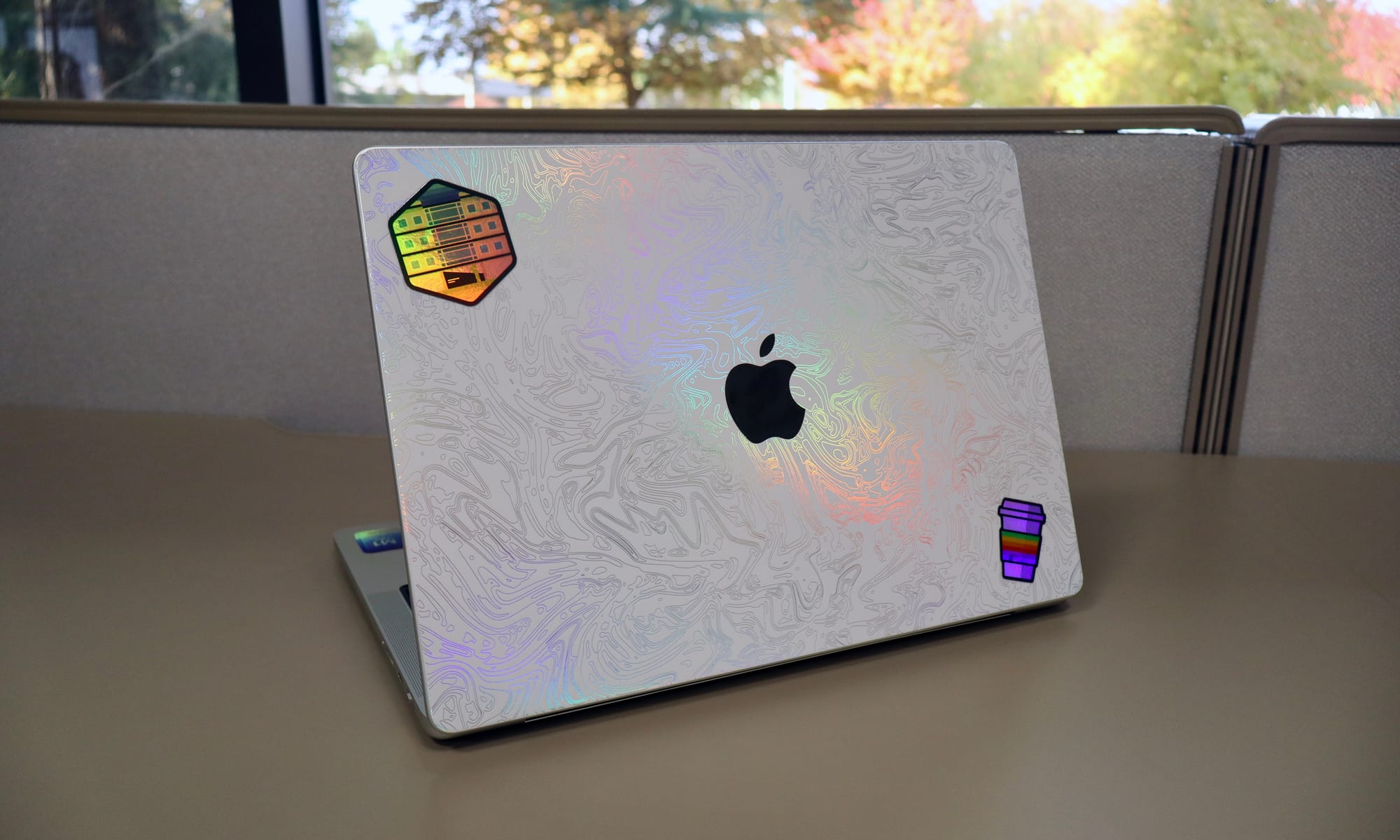
That’s when I realized that, although a $749 M4 Air is a great deal, I could get an M1 Pro MacBook for even less while still delivering performance I’d never fully tap. Even though the M1 chips are four years old, they still provide ten‑times—or more—the performance of the 2018 MacBook Pro I’d been using for a few weeks while building apps.
After returning the 13‑inch Air, I hunted for a MacBook Pro with an M1 Pro chip (or better) on a budget around $700. That wasn’t easy; Apple‑Silicon Macs hold their value remarkably well.
Still, $700 for an M1 Pro MacBook Pro is a solid bargain considering they originally sold for $2,000. After a couple of days, I found a base‑model M1 Pro MacBook Pro in good condition for $710. The body, keyboard, and display are all in great shape; the only concern is the 86 % battery capacity, which I can address later if needed.
Now, after about a week of use, I have to say this four‑year‑old MacBook Pro has blown away my expectations. Performance is outstanding, and despite the 86 % battery health, the battery still lasts for days. I expect it will degrade over time, but so far it’s been a non‑issue.
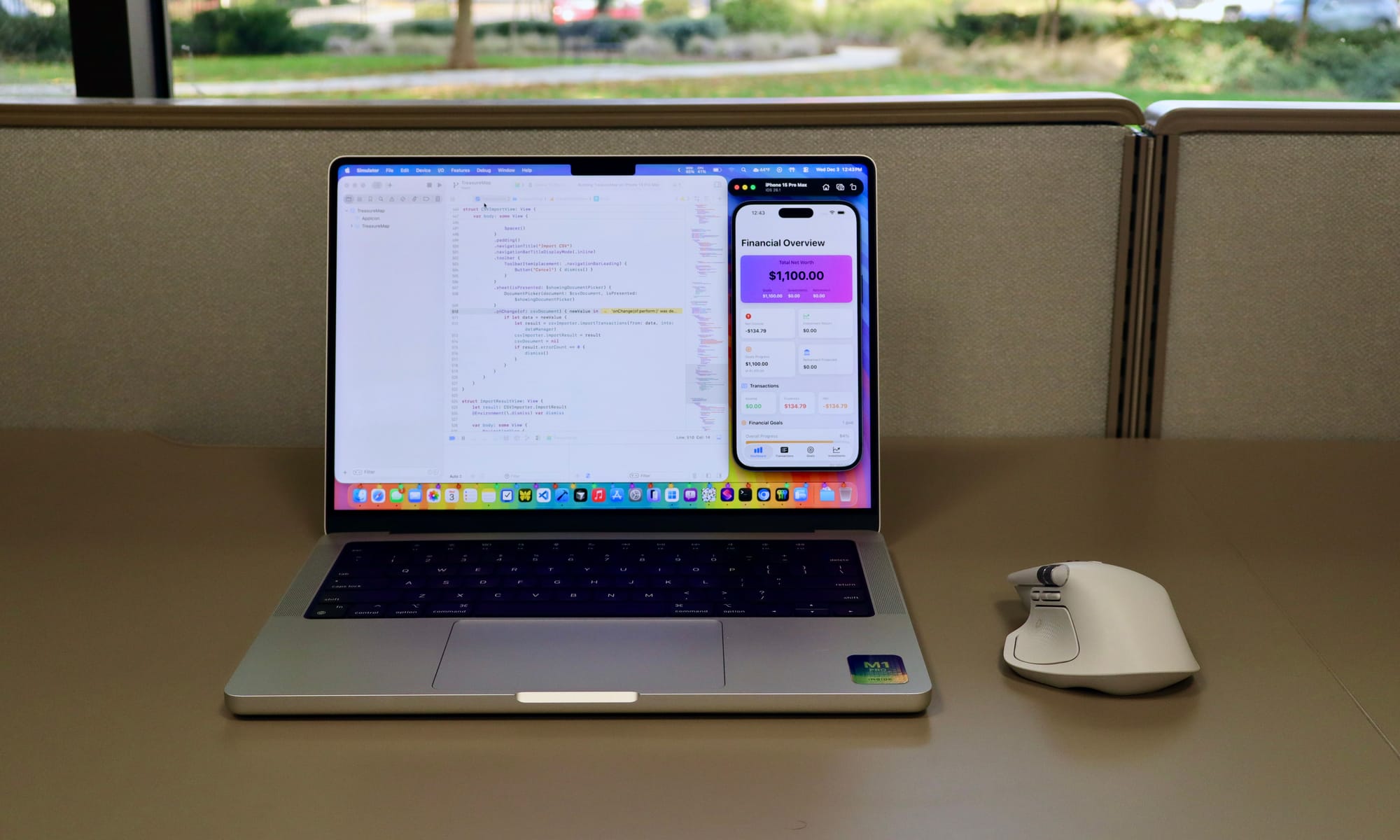
When it comes to performance, this machine never slows down. I can run Cursor, VS Code, Xcode, the iOS Simulator, Icon Composer, Affinity, and several other apps simultaneously, and the MacBook just keeps humming along. The CPU may spike to 80‑100 % briefly when launching heavy apps, but it quickly settles, and I haven’t heard the fans spin at all—even when I hold the laptop close to my ear.
One of my favorite YouTube videos shows people using older laptops as daily drivers, proving you don’t need the latest hardware to get things done. This MacBook Pro feels like the epitome of that philosophy.
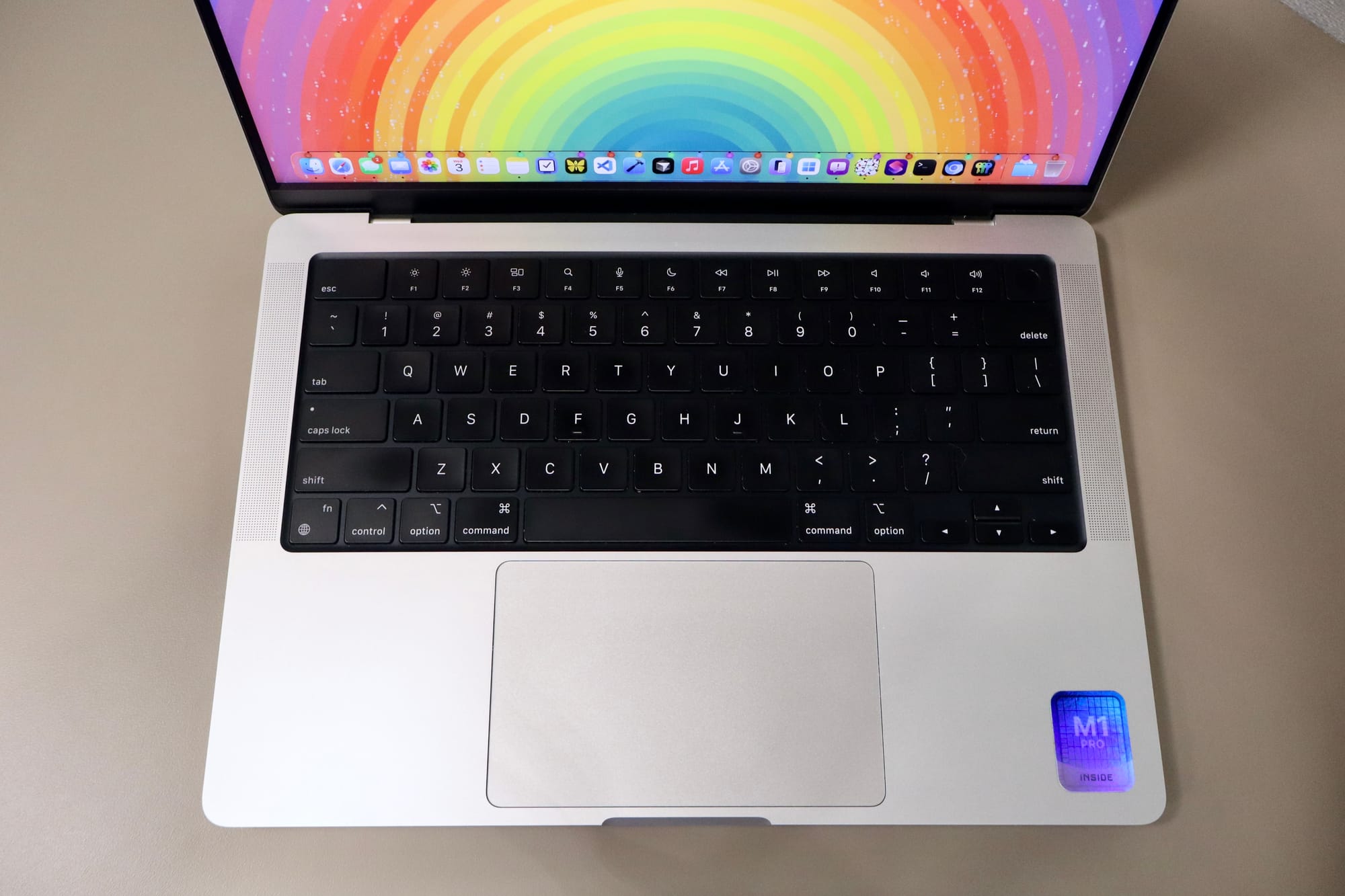
For $700 I now own a computer more powerful than I’ll need for a while. I understand why people stick with the older M‑series Macs for so long. This experience has rekindled my love for macOS and dive deeper into app development and Swift.
Over the next few months I plan to go further into Swift and learn more about building apps for the Apple ecosystem. Maybe I’ll even attend WWDC next year. Don't get me wrong, Apple’s developer relations have been pretty bad lately, but I’m doing this for myself—not for Apple.
I don’t necessarily intend to publish an app on the App Store. My goal is to create tools that are useful to me. If something turns out worth sharing with the world, I’ll consider it then. For now, I’m happy building for myself on my old and most powerful laptop I’ve ever owned.